Droneye: System Design
The system design of my year-long senior capstone: an autonomous, low-cost drone system that humanely diverts mammalian pests like squirrels and possums from backyards.
Background
Countless homeowners and farmers want non-lethal, humane, autonomous ways to protect their property from mammalian pests like squirrels and coyotes. A system like that doesn't really exist — and where it does, it's expensive for the average homeowner (>$1000). So our mission came down to two points:
- Leverage the valuable sensors and capabilities of old, unused devices (old smartphones and drones) that homeowners may already own.
- Drive mammalian pests out of homeowners' backyards.
Over the year, HMC INQ developed an autonomous, drone-based system for diverting pests that can be built with relatively little additional cost and effort. The system has three parts:
- A drone
- A drone communicator (we called it the Cloudifier)
- A web app to communicate with the user
We also explored other applications for old devices — detecting parking and study-space occupancy, and remote pet interaction.
Drone & hardware
Devices
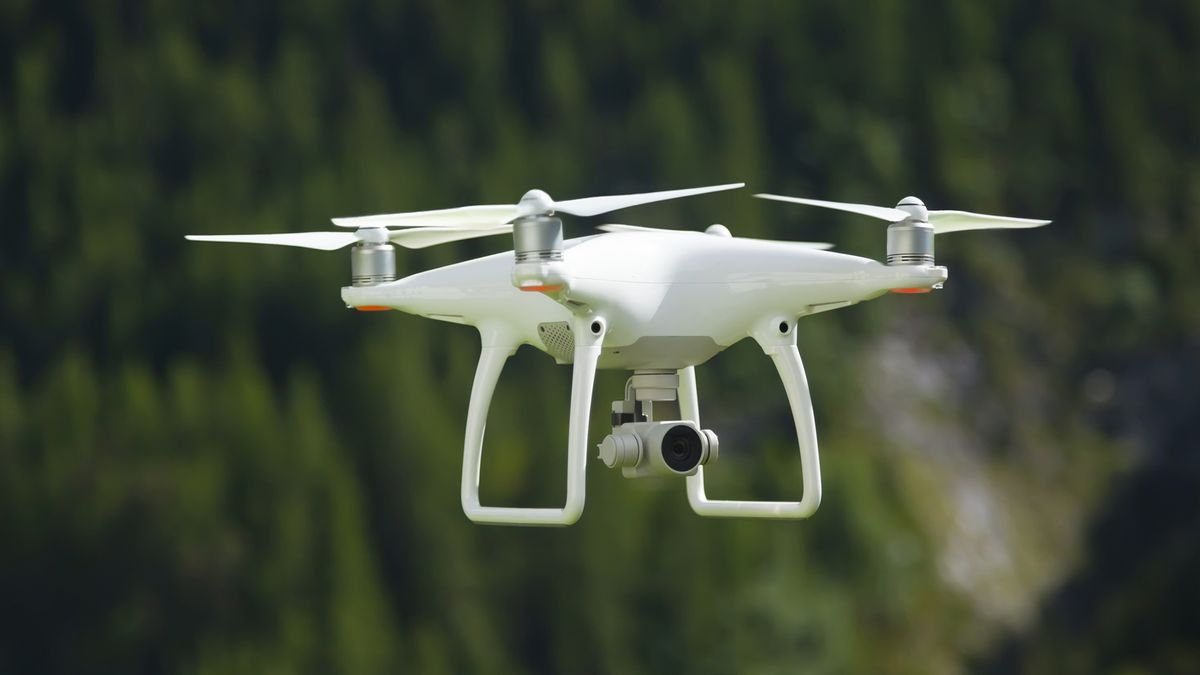
The drone's flights are the primary deterrent. We mostly worked with the DJI Tello, which ships with a camera, flight capabilities, and an API to control its path. The drone's job translated into three technical requirements:
- Controllable, complex drone paths
- Computer vision
- Image recognition
For complex paths, we built on top of the existing DJI Python library to customize routes. For computer vision, we used the onboard camera to autocorrect the flight path based on landmarks. And for image recognition, we used color segmentation to find a landmark (a blue ball): the drone overlays a 3×3 grid on its field of view and adjusts position until the ball sits in the center square — then it either keeps tracking or lands, depending on user settings.
In the spring we made the system more robust: we made our customized API compatible with other drone models, and added light detection for room-occupancy sensing and motion detection for pet cameras.
Cloudifier
The Cloudifier (our own term) is the central device that lets a user remotely control the drone from a web interface. We prototyped it on a Raspberry Pi with these capabilities:
- Multiple WiFi connections: joining both the primary network and the drone's network
- Multiple drone support: for users with more than one drone
- Basic drone control: takeoff, landing, forward, backward
- Signal processing: detect light, detect motion, take photos, track objects with computer vision
- Record and replay sequences of actions
We also built an admin web app that talks directly to the drone — a handy tool for testing and debugging.
Web app
The primary user interface is a web app — the communication layer between the user and the Cloudifier — built with Flask, Bootstrap, and JavaScript. Its goals:
- Introduce users to the product
- Collect user settings and preferences
- Communicate with the Cloudifier
- Support basic device control
- Give users real-time feedback (stats and a live view from their devices)
The landing page explains the product, the setup page lets users add a drone with its WiFi name and password, and the main dashboard — Droneye Live — lets users control devices, build flight paths, check battery levels, and get real-time image feedback.
By the end of the year, we successfully demonstrated a low-cost home drone system that users can interact with to control the drone and automatically detect specified objects. For how we managed the project, see the project management write-up.
Keep reading
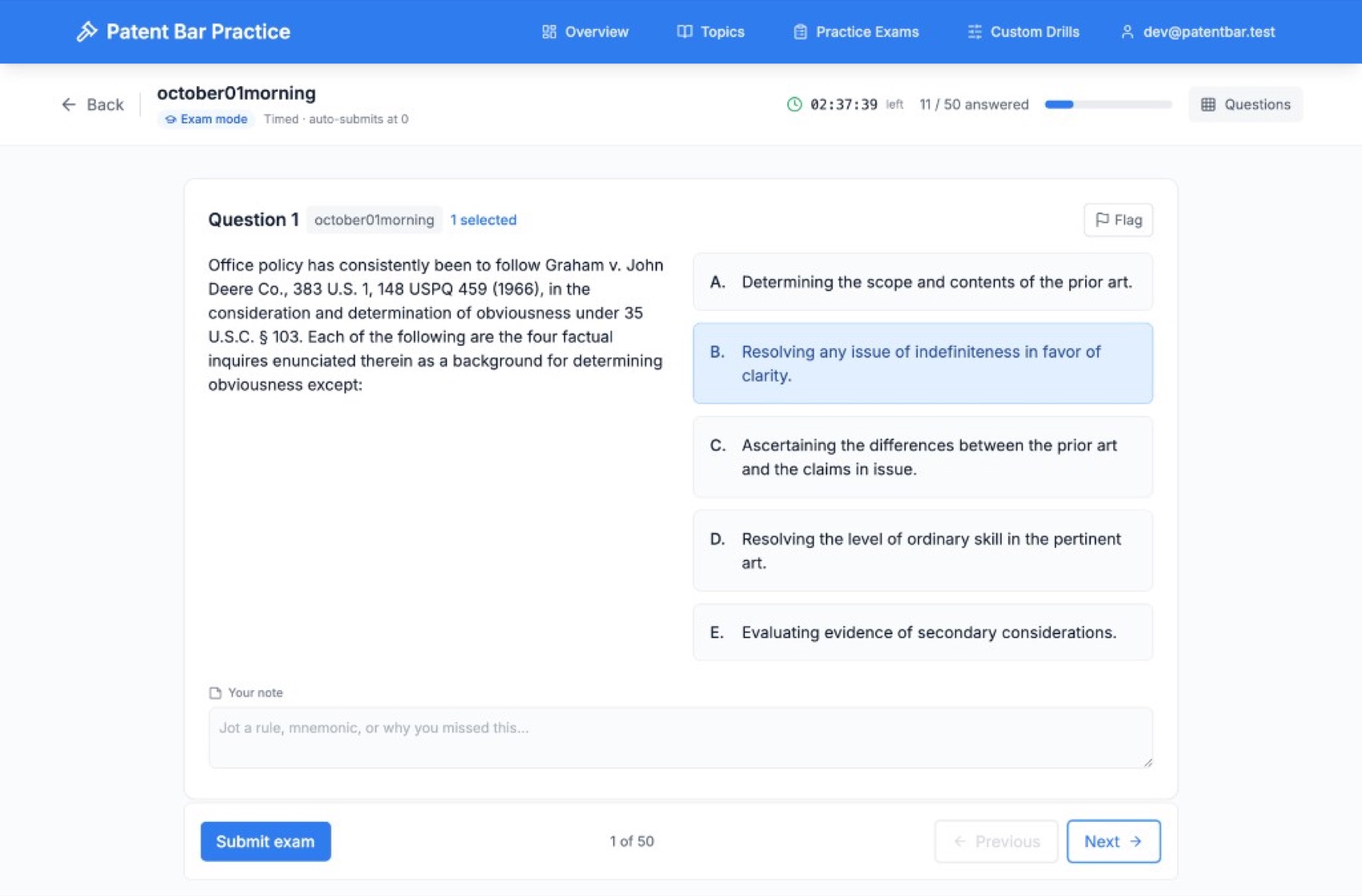
Building a Patent Bar Practice Site
I wasn't going to pay $3,000 for patent bar prep on top of the exam fee. So I built my own practice site — real past exams, drills, and a way to track whether you're actually ready.
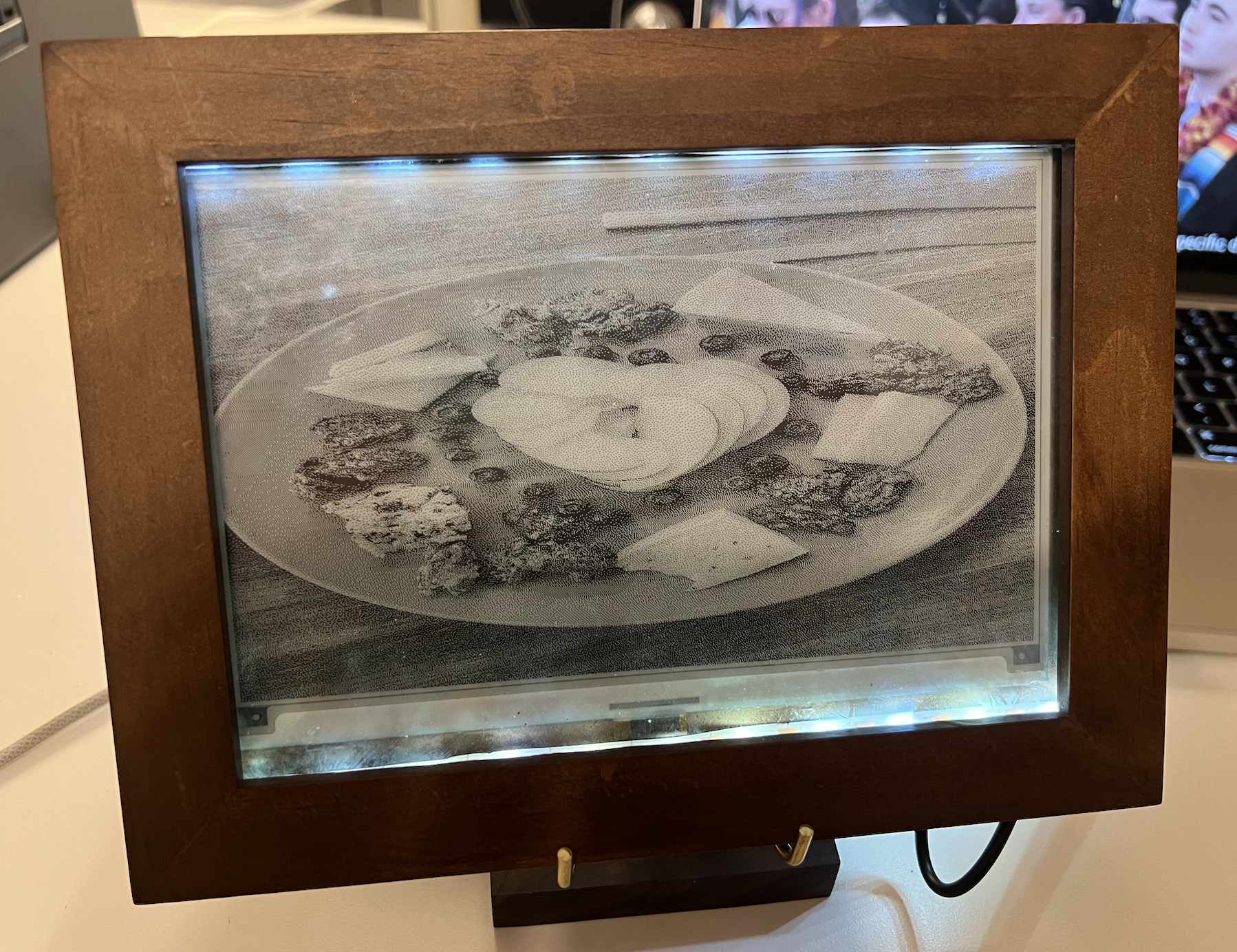
Building an E-Paper Digital Picture Frame
A low-power digital picture frame built on a Raspberry Pi and a 7.5" e-paper display. It auto-syncs photos from Google Drive, refreshes hourly, and boots straight into slideshow mode.
Launching the Allegris Seatmap
As Product Manager on the Gordian team, I helped lead the €2.5B Allegris seatmap rollout for Lufthansa — a major cabin overhaul focused on luxury and personalization.